2020. 3. 2. 14:19ㆍEnglish
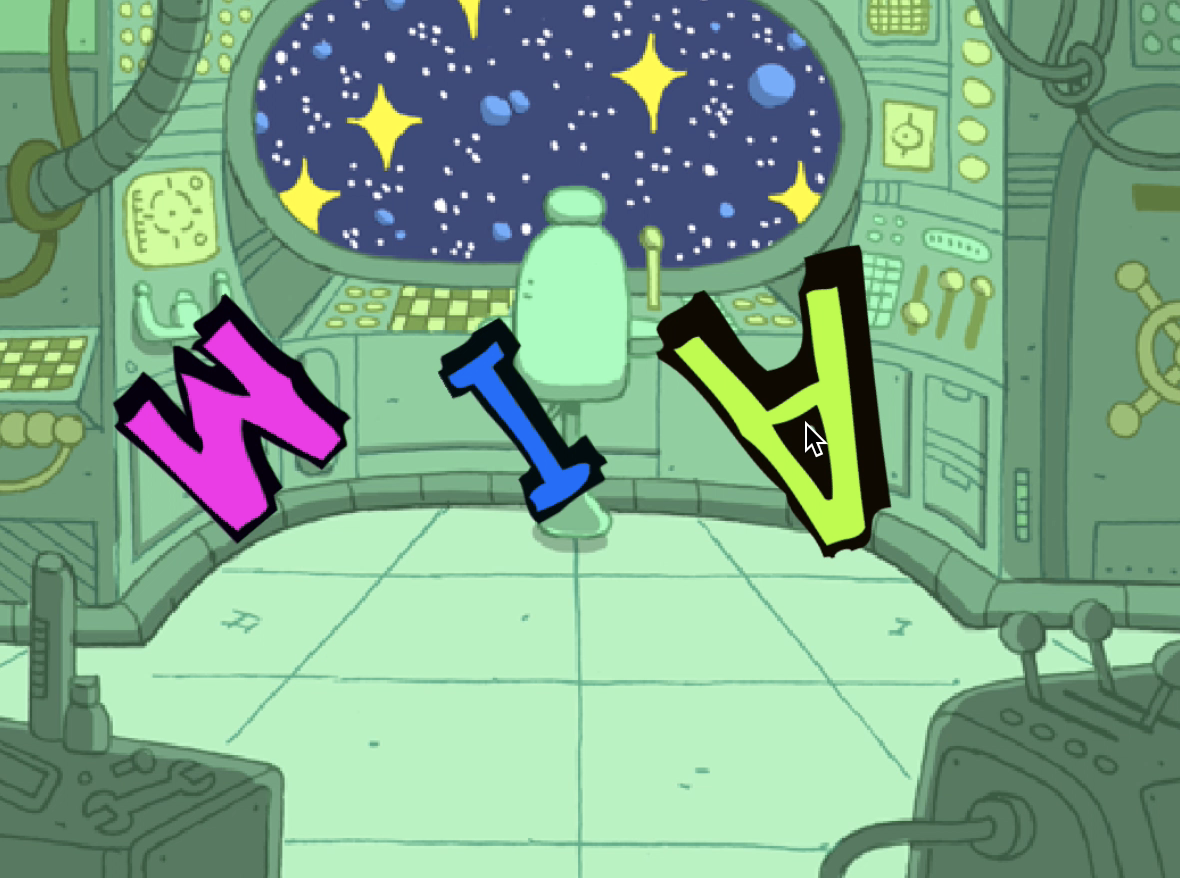
Today, we're going to create a floating character animation in space.
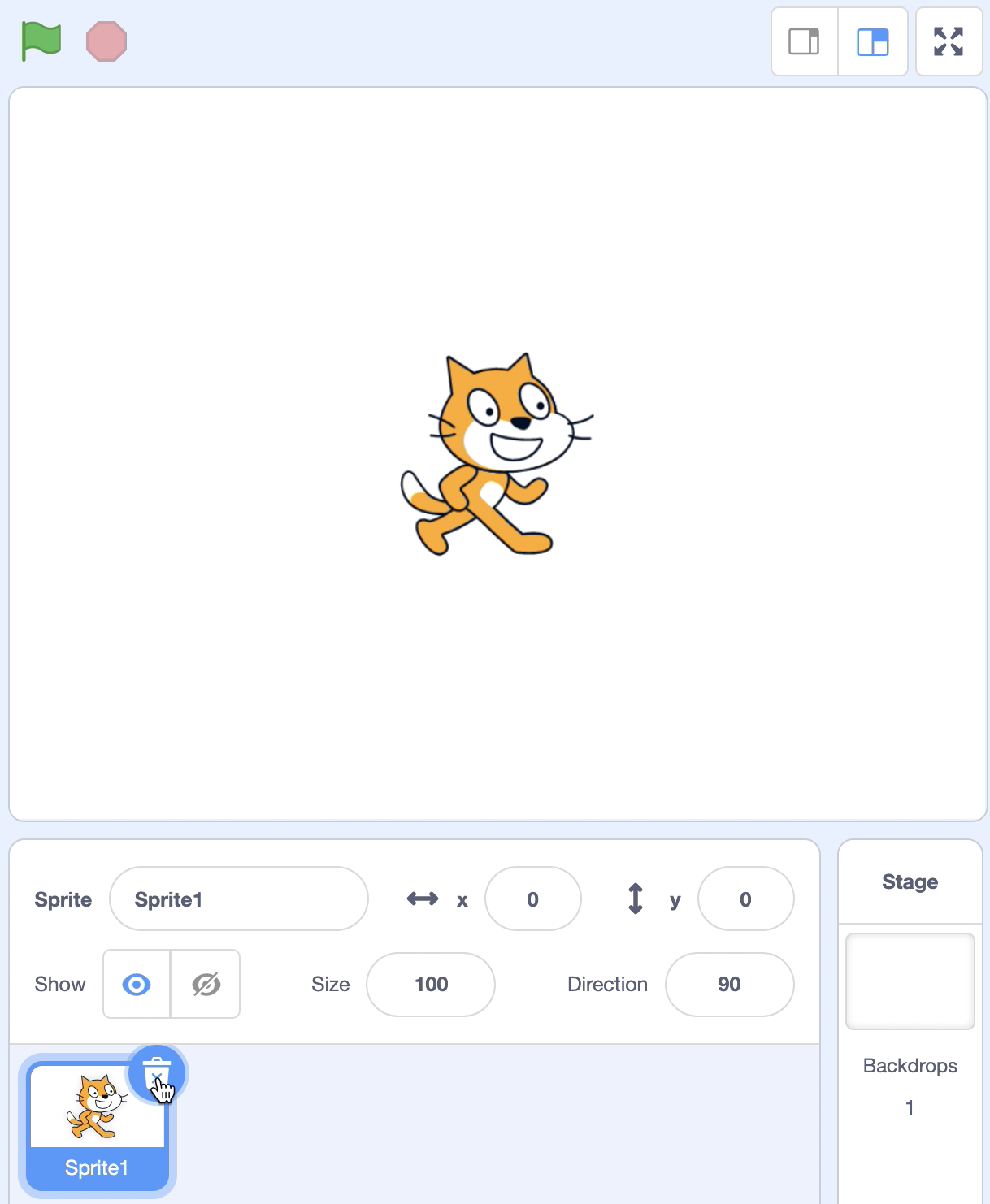
Step1. Delete cat sprite.
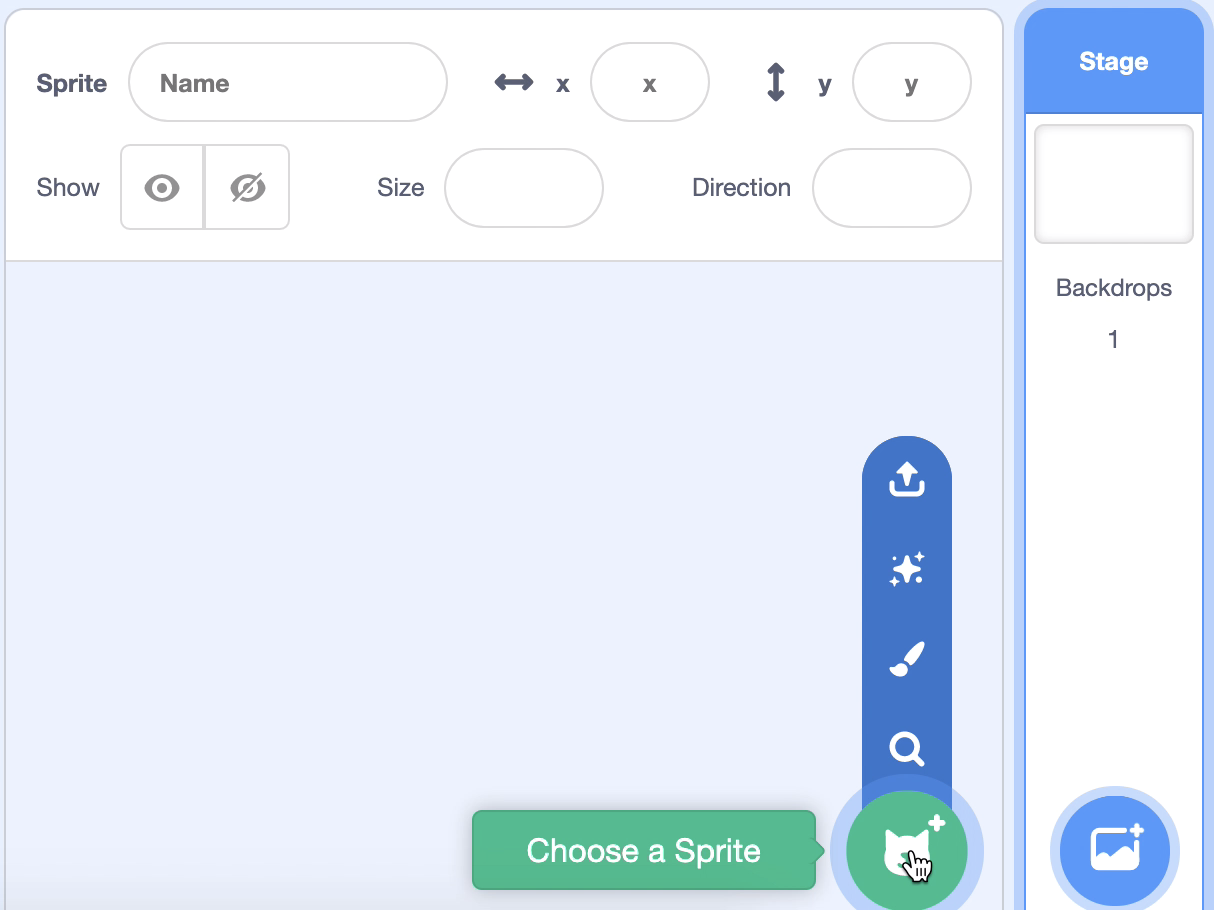
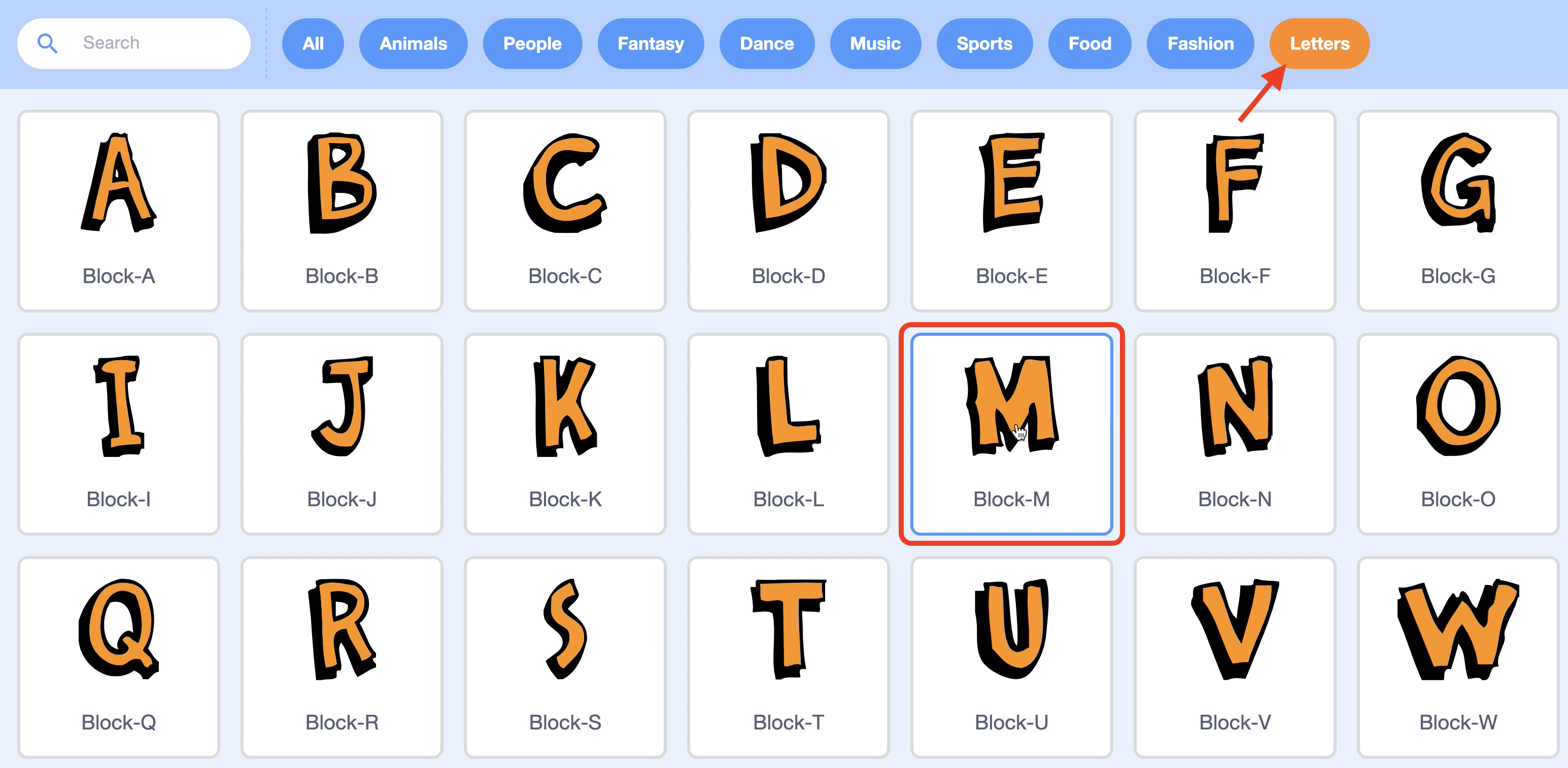
Step2. Select a "Letters" category in Select Sprite and add one letter. I'll choose "M"
Step3. When you click on the letter sprite, we're going to make it four times, every half second, the letter gets bigger and smaller. Add blocks to change the color of the letters.

Step4. I'll make it work the same way when I press the space key. If you do this, if you have more characters, press the space key to activate the animation at the same time.

Step5. Let's add an animation that rotates letters 360 degrees.
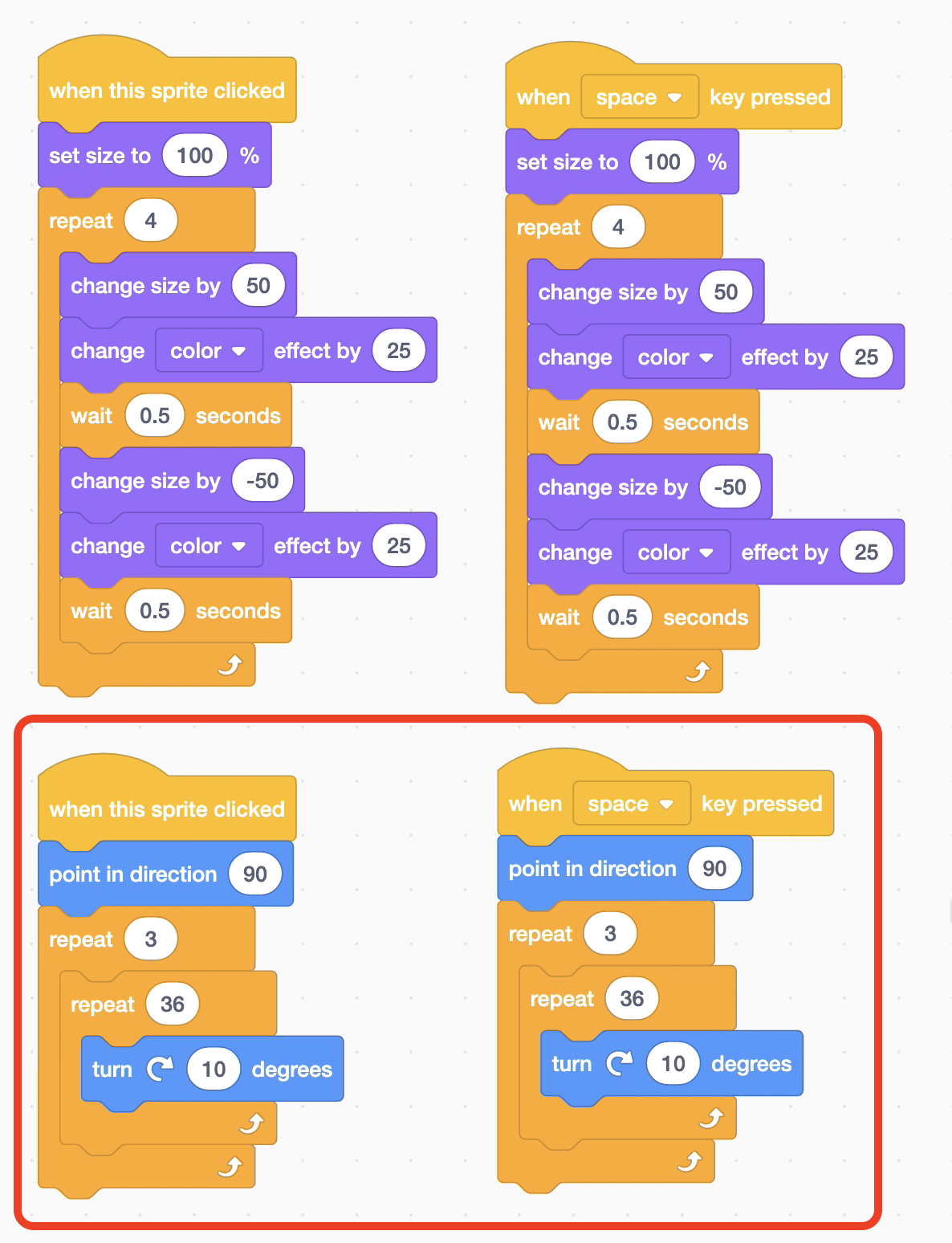
Step6. In selecting sprites, add as many characters as you want and code the same block as the first character. You can use Copy Block to complete quickly.

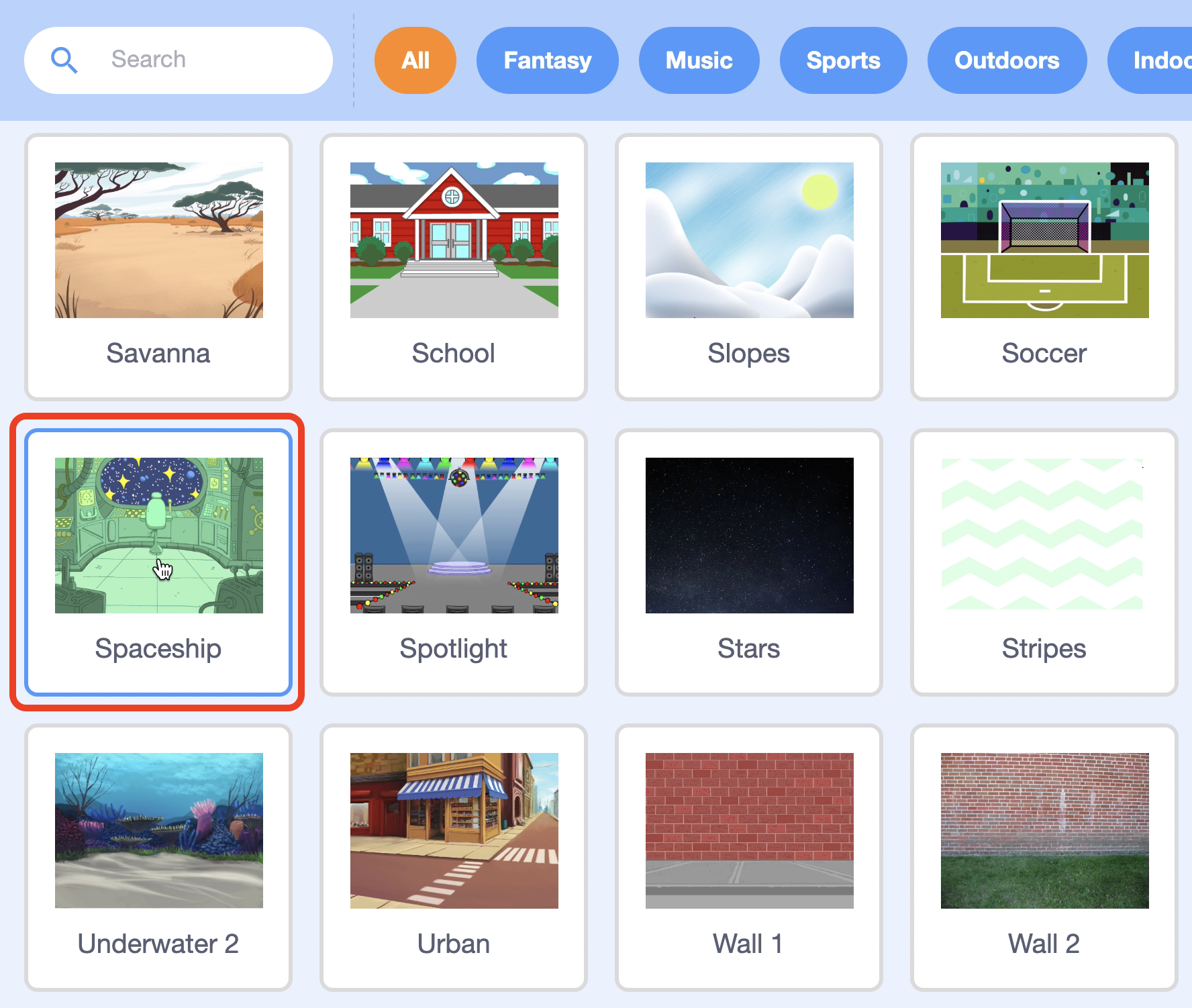
Step7. Select the background you like. I will choose the Spaceship background.
Step8. Click on the characters one by one or press the space key to see if the animation works well.

Moving forward 1 - How do you make the letters move differently?
Moving forward 2 - How do you get letters flying to random locations?
'English' 카테고리의 다른 글
| 8. Birthday Party! (170) | 2020.03.03 |
|---|---|
| 7. RC Car (70) | 2020.03.03 |
| 5. Jurassic dinosaur (47) | 2020.03.02 |
| 4. Let's Dance! (44) | 2020.03.01 |
| 3. The three cats (51) | 2020.02.13 |