2020. 3. 3. 14:25ㆍEnglish
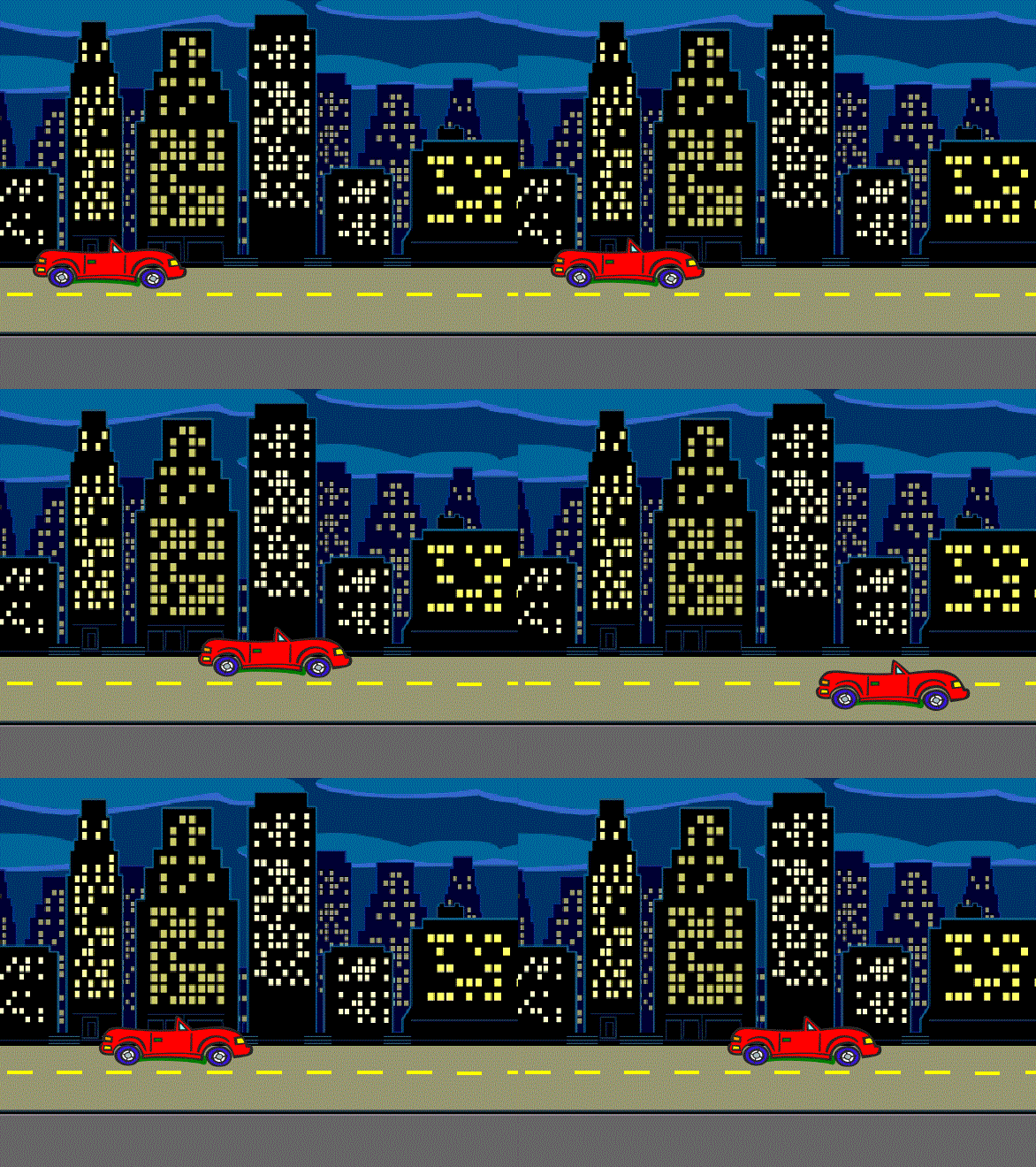
This time, we're going to create a project to drive a car using the direction keys on the keyboard.
Step1. Delete cat sprite.

Step2. Click choose a Sprite.
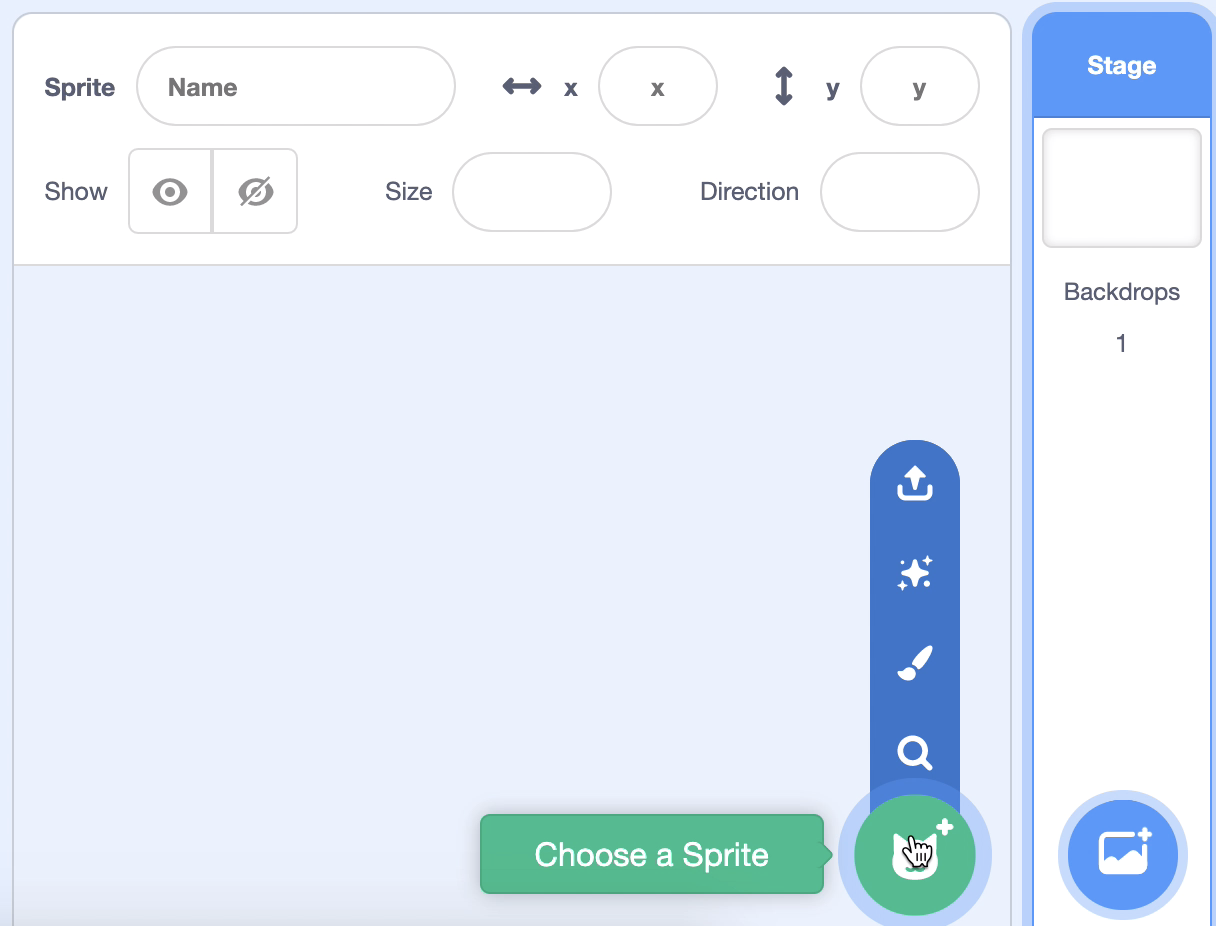
Step3. Select a car (Convertible 2).

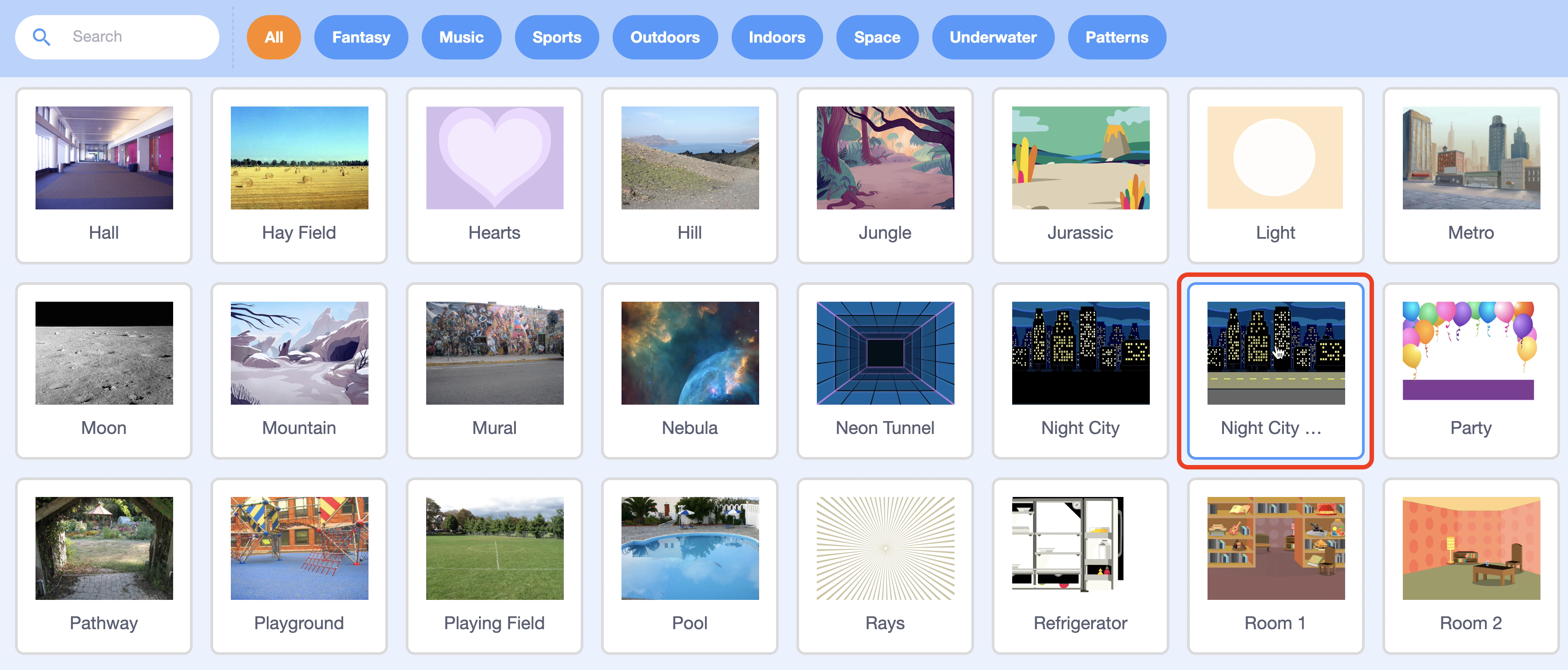
Step4. Choose a Backdrop..
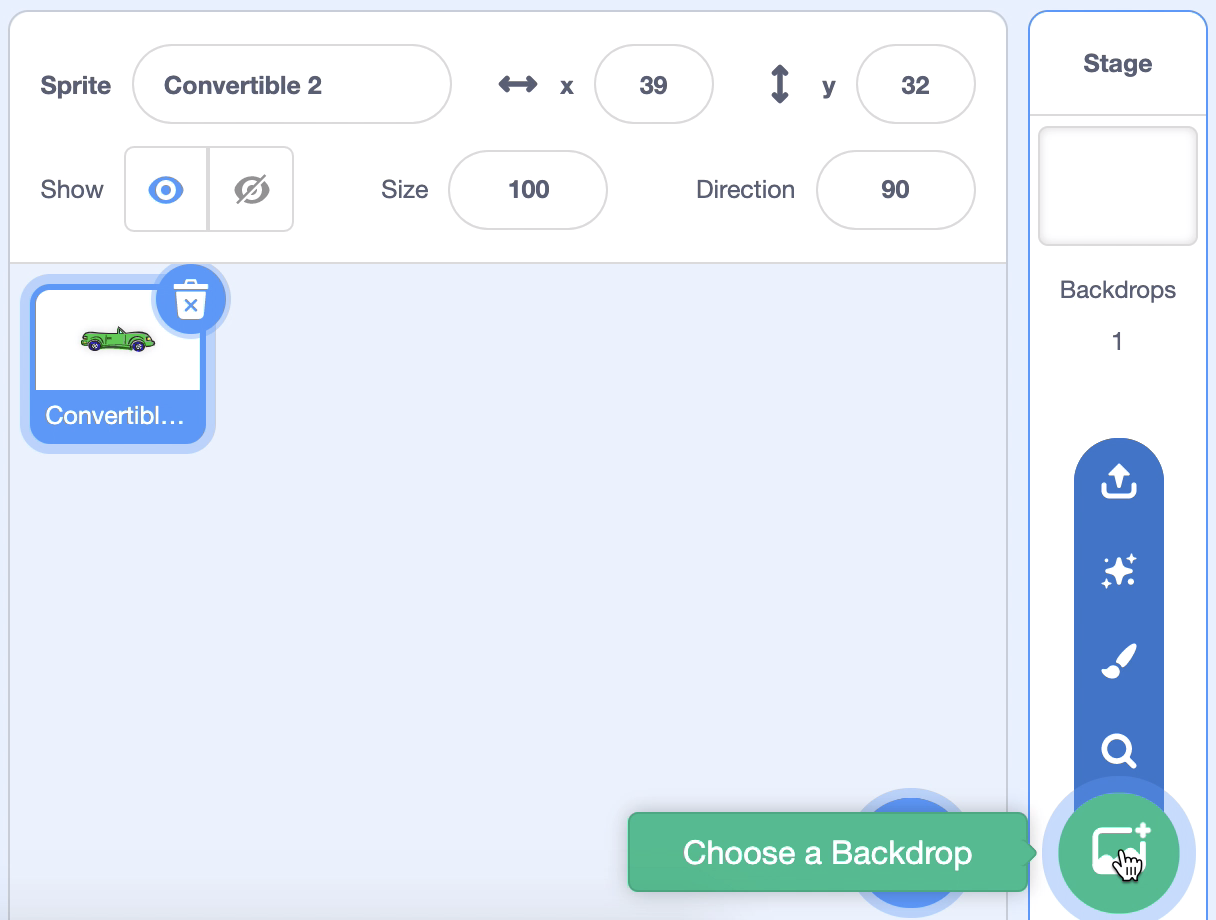
Step5. Add the Night City With Street background.
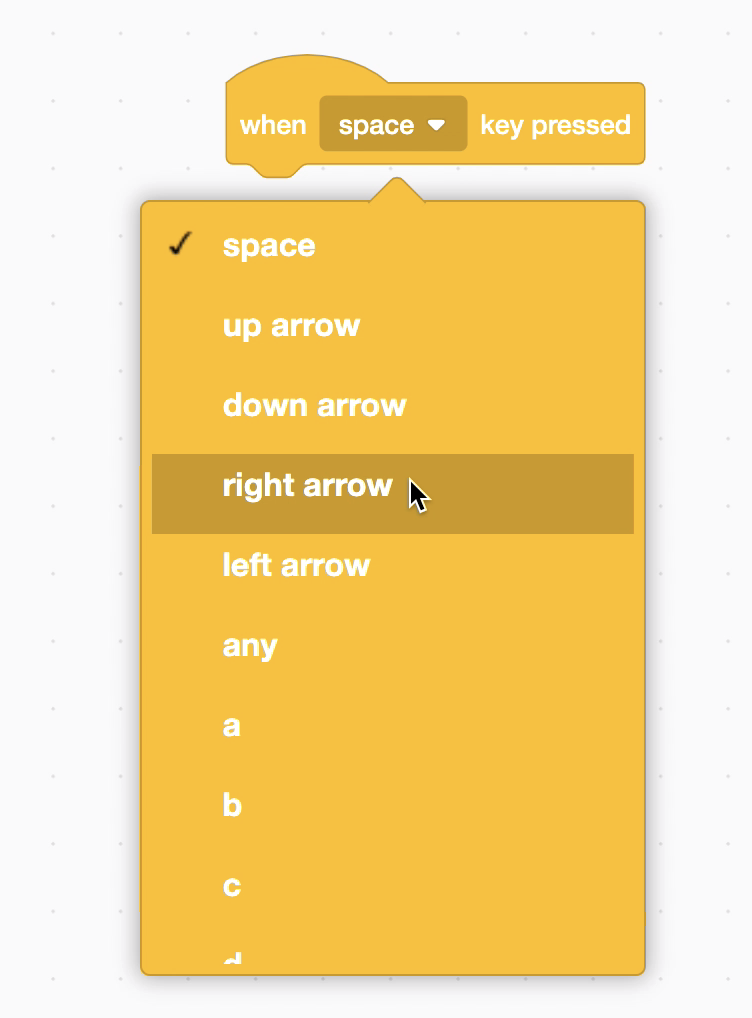
Step6. To drive the car with the orientation your keyboard key, take the block "When the space key is pressed" from the event block bar and change it to "When right arrow key pressed."
Use the "Change x by 10" block on the Motion to move to the right.
From now on, pressing the right arrow key on the keyboard moves the auto to the right.

Step7. Coding the car so it can move up, down, and left.

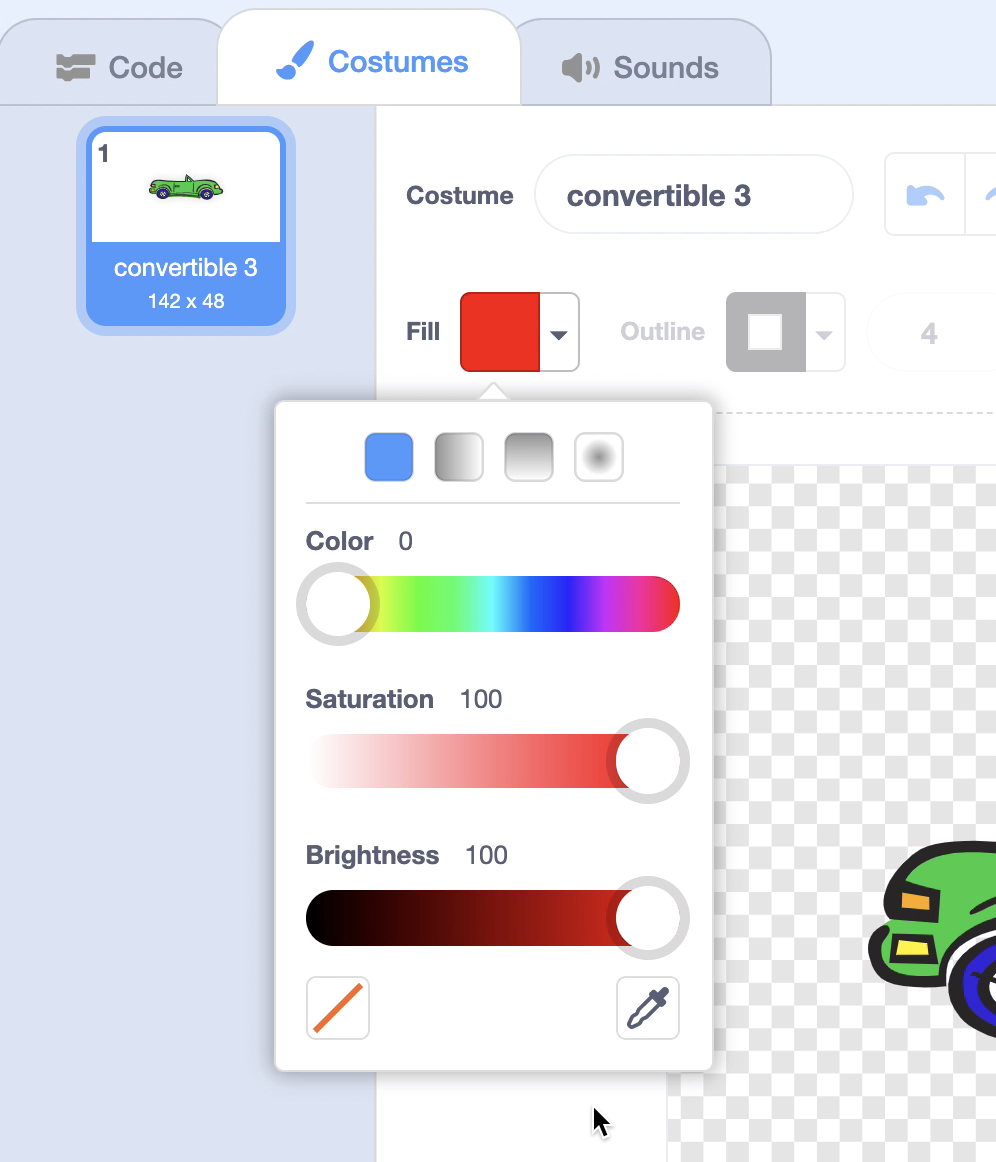
Step8. Let's change the color of the car. Select the Costumes tab.

Choose a fill color.
Red is Color:0, Saturation:100, and Brightness:100. Besides red, let's make a color that I like.
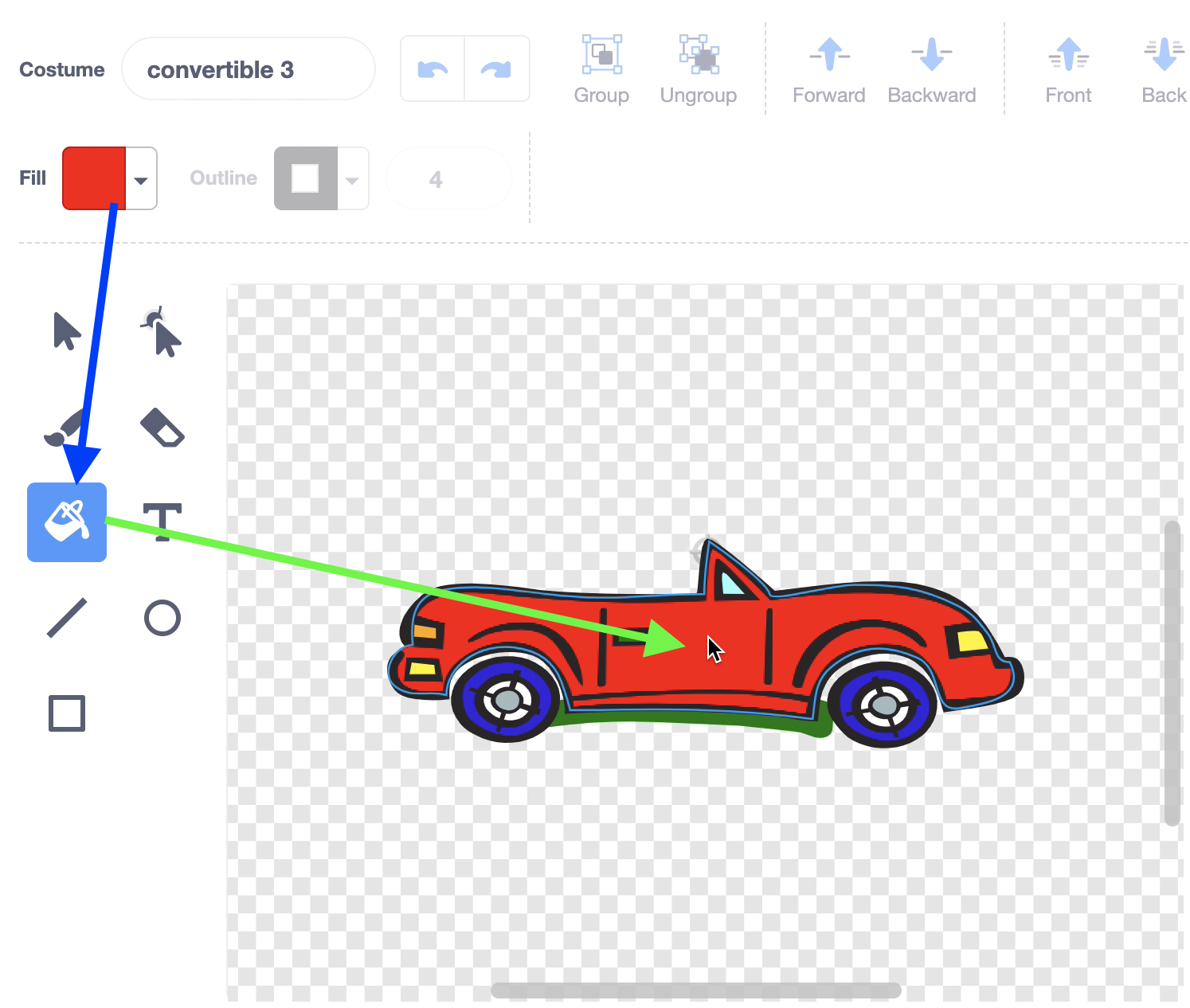
Step9. Pick Fill Color -> Select Paint -> Click Where to Color and you can color the area you want.
Step10. Let's code the stage background nicely. If the Costumes tab is selected, select the "Code" tab.

and

Step11. Click on the green flag to make the background color effect change indefinitely. Changing the color effect by 1 creates a nice sunset.

Step12. Let's check out the completed project. You can use the direction keys on your keyboard to drive your car.
'English' 카테고리의 다른 글
| 9. Toss the ball (0) | 2022.12.31 |
|---|---|
| 8. Birthday Party! (170) | 2020.03.03 |
| 6. Character animation (41) | 2020.03.02 |
| 5. Jurassic dinosaur (47) | 2020.03.02 |
| 4. Let's Dance! (44) | 2020.03.01 |