2022. 12. 31. 00:23ㆍEnglish
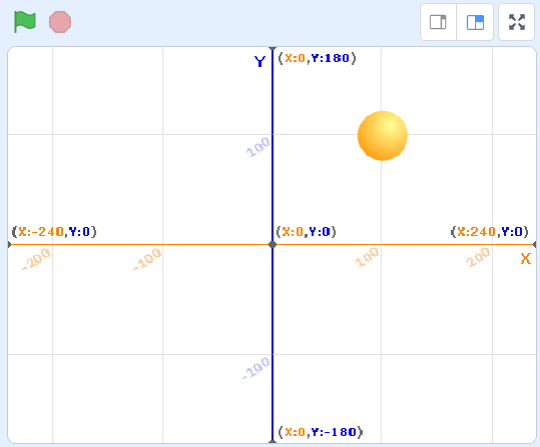
In this session, we will learn how to move the ball to the desired position.
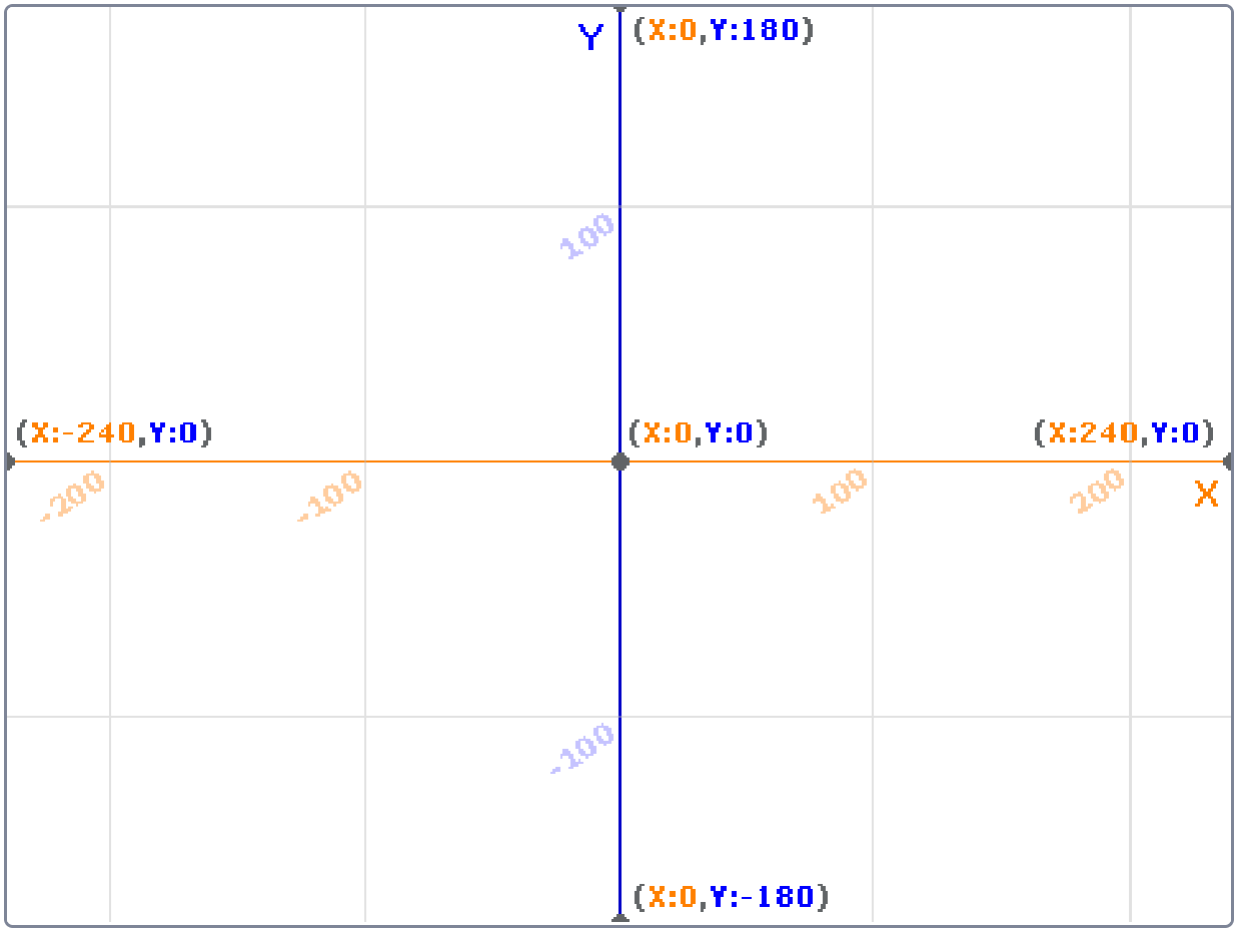
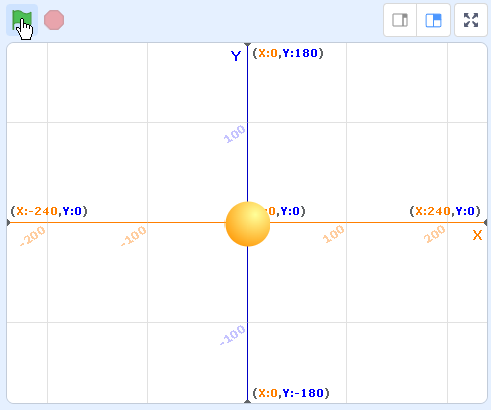
Scratch uses x and y coordinates to move the sprite.
The x-coordinate is the coordinate used to move left and right
The y-coordinate is the coordinate used to move up and down.
as shown in the figure below
The x-coordinate ranges from -240 to 240, and the y-coordinate ranges from -180 to 180.
For example, the center of the stage can be x:0, y:0.
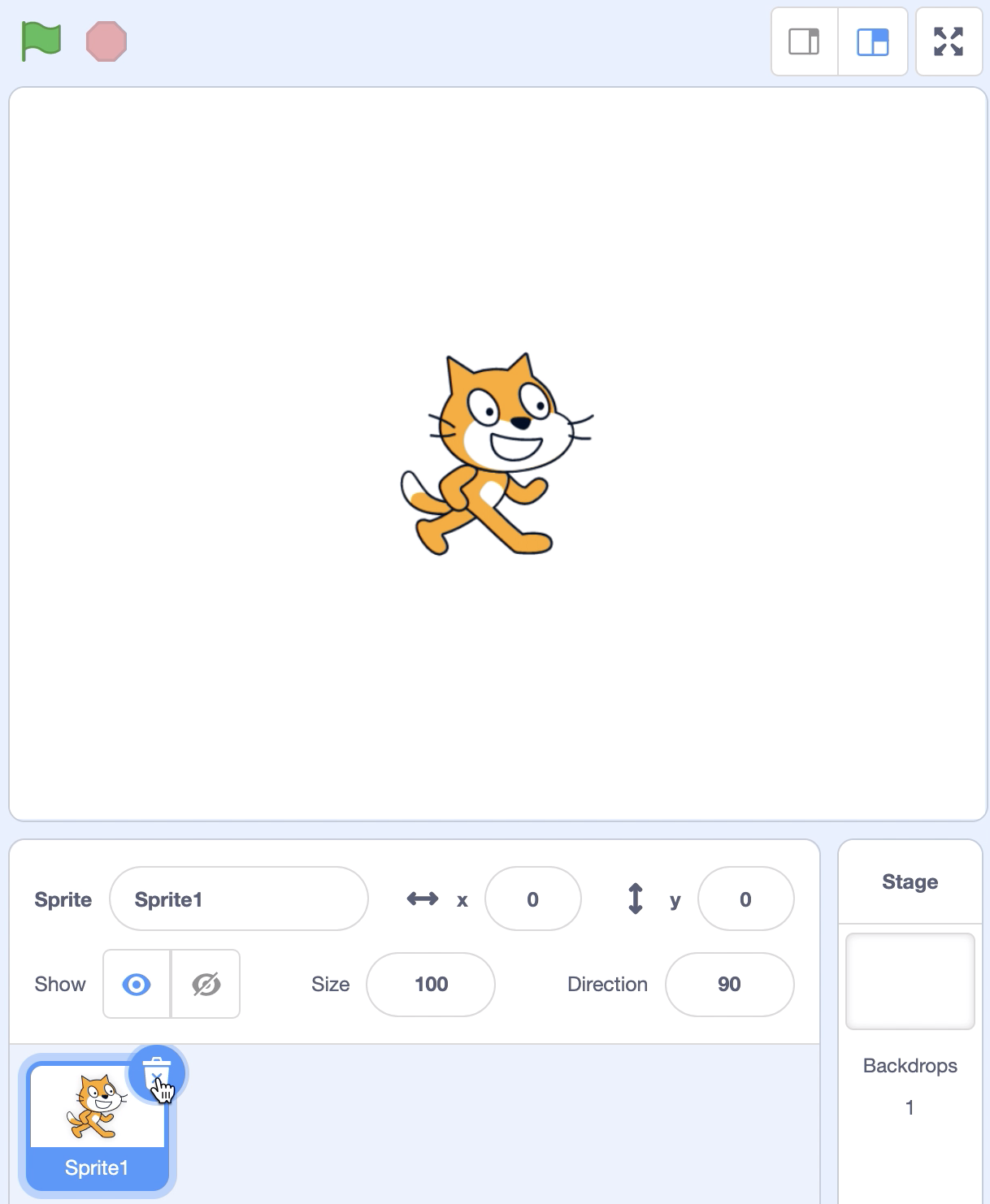
Step1. Delete the cat sprite.
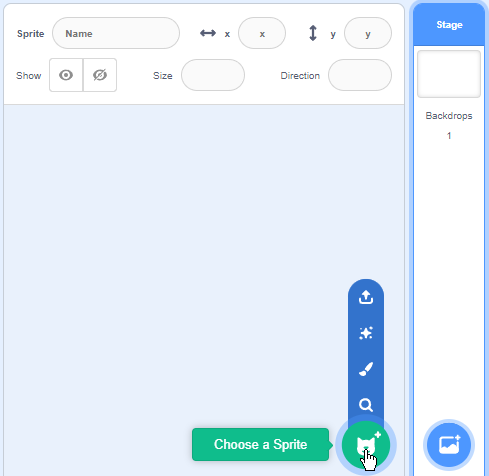
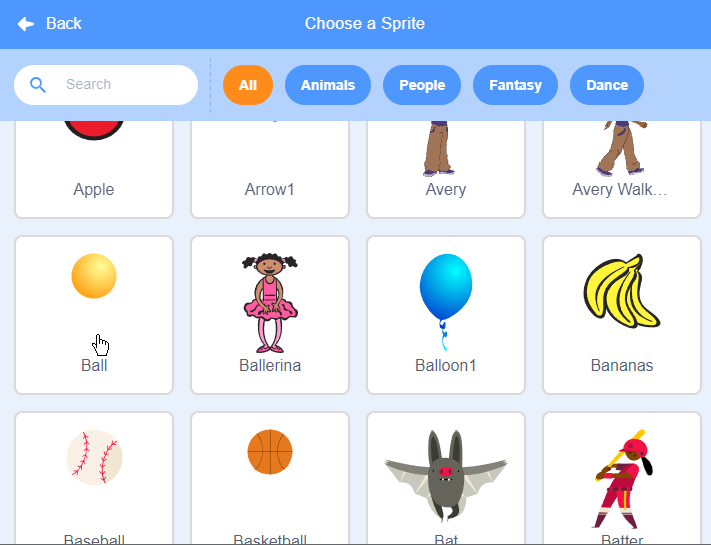
Step2. Add the ball sprite.
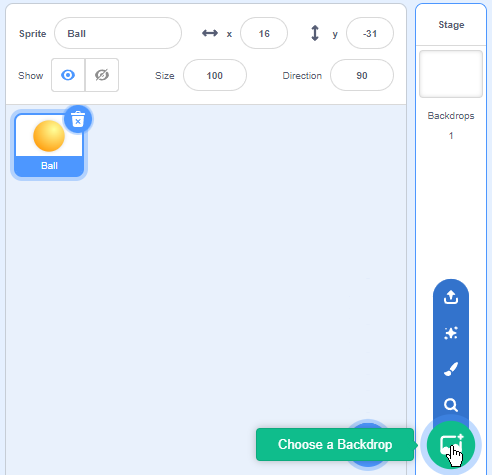
Step3. Select Xy-grid as the stage background.

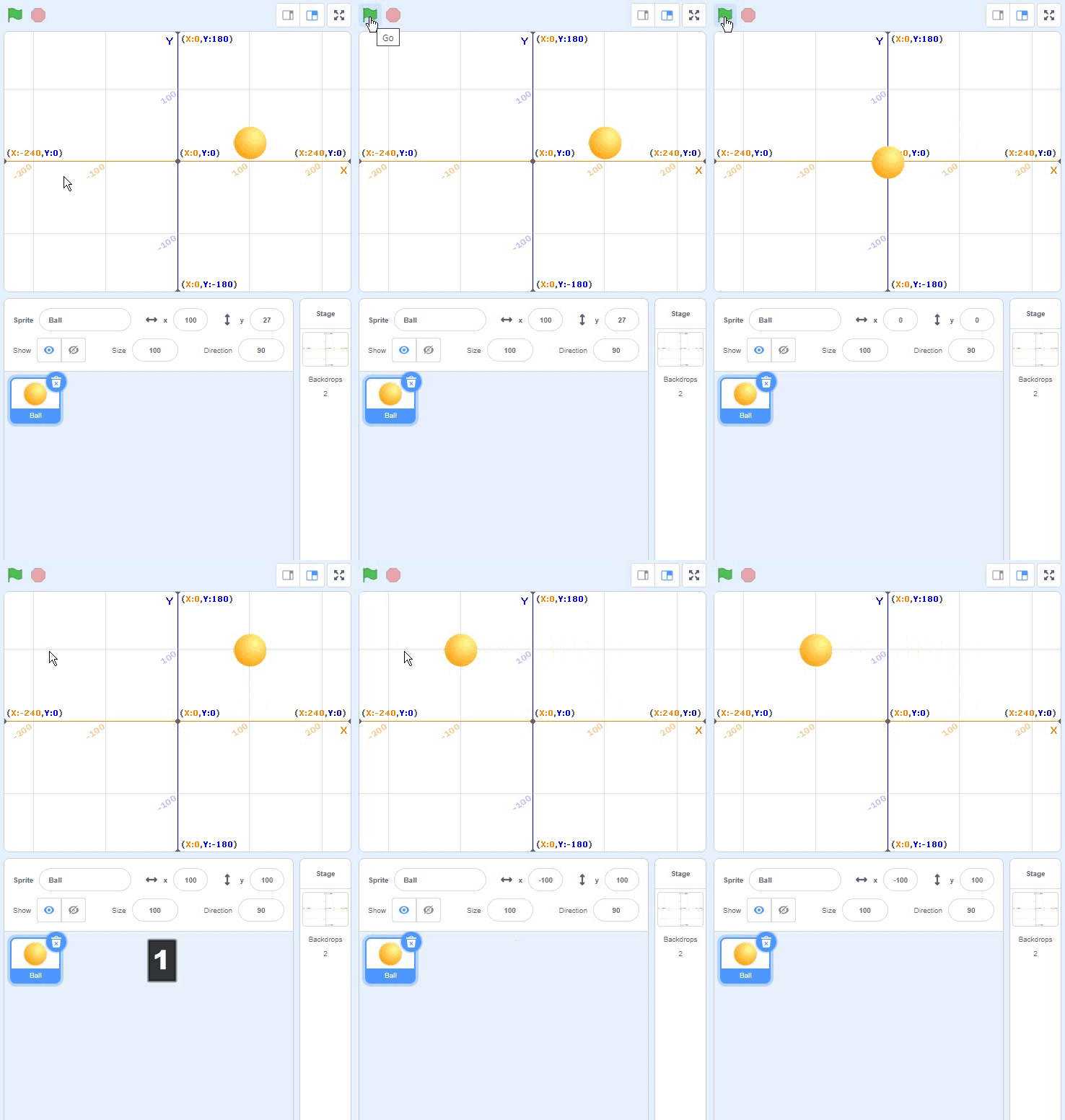
Step4. Click the green flag to move the yellow ball to the center of the stage.
The center of the stage is x-coordinate: 0, y-coordinate: 0.
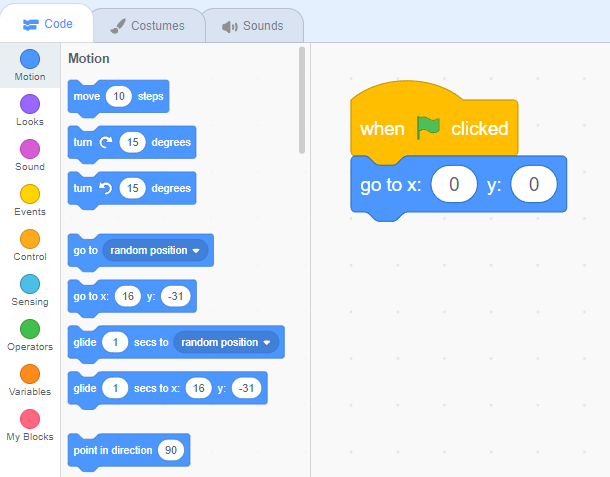
Step5. Press the number 1 key on the keyboard to move the yellow ball to x:100, y:100.
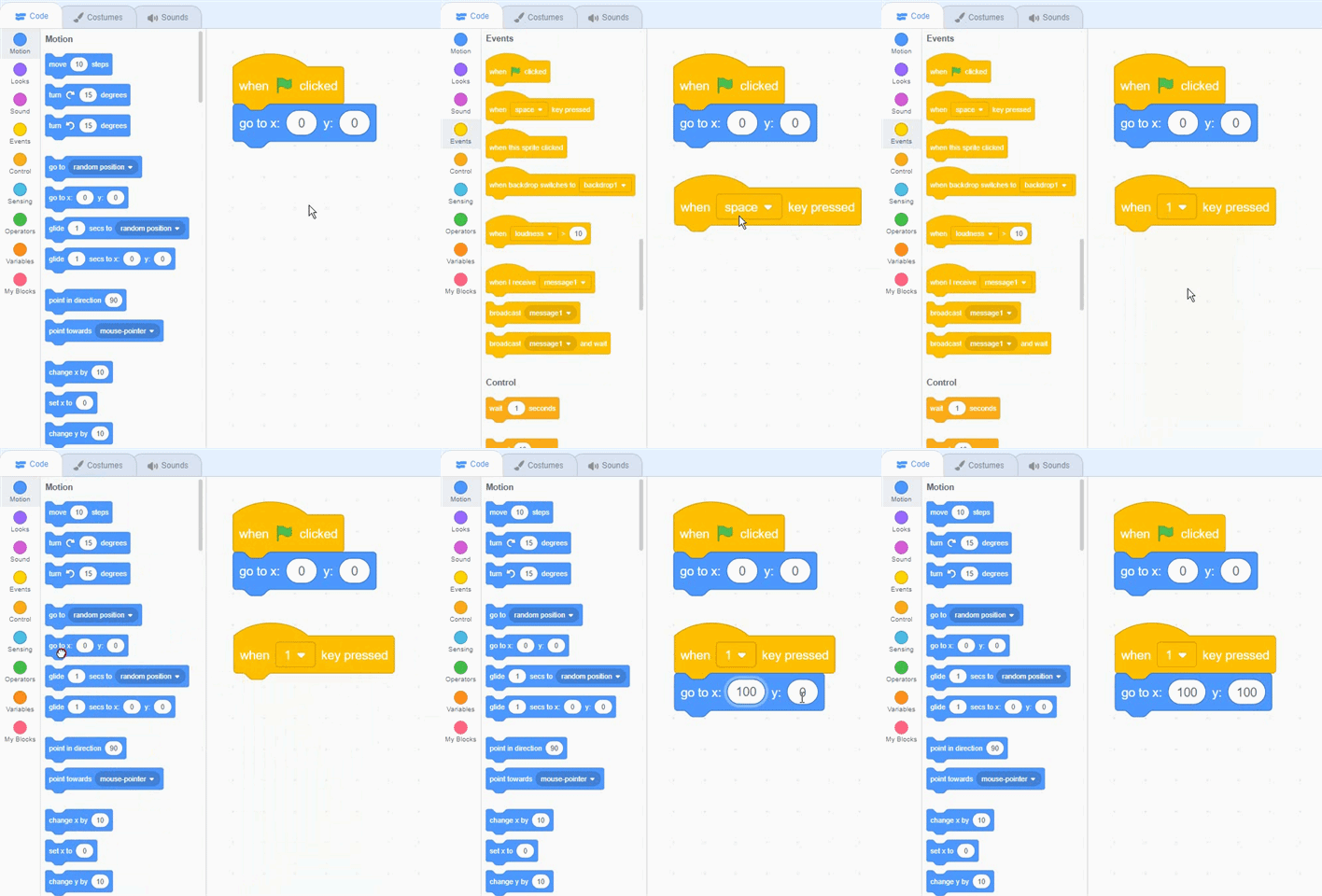
You can see the yellow ball teleporting. How can I move slowly to my destination?
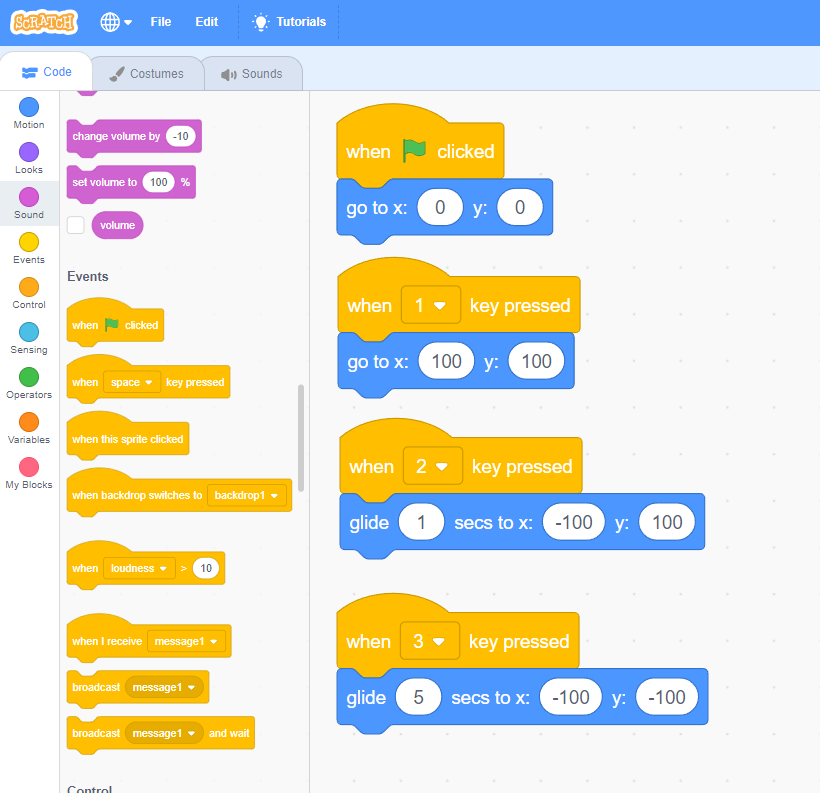
Step6. Press the number 2 key on the keyboard to move the yellow ball to the x:-100, y:100 positions for 1 second.

You can see that the yellow ball moves to the x:-100, y:100 positions for 1 second.
How do you move more slowly?
Step7. Press the number 3 key on the keyboard to move the yellow ball to the x:-100, y:-100 positions for 5 seconds.
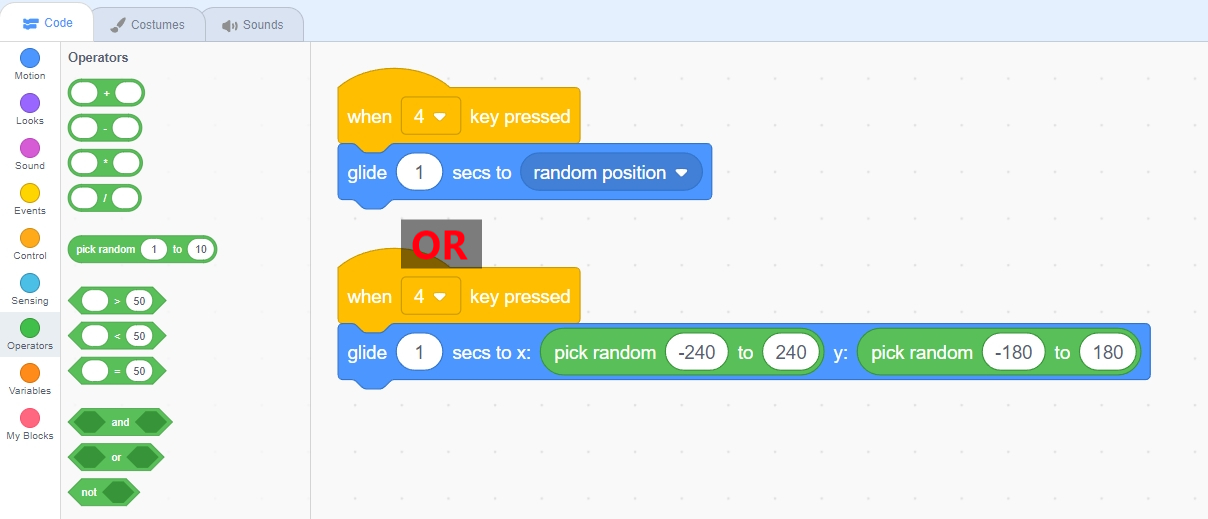
Step8. Press the number 4 key on the keyboard to move the yellow ball to a random position for 1 second.
Think Point - How do you change the color of a ball every time it moves?
'English' 카테고리의 다른 글
| 8. Birthday Party! (170) | 2020.03.03 |
|---|---|
| 7. RC Car (70) | 2020.03.03 |
| 6. Character animation (41) | 2020.03.02 |
| 5. Jurassic dinosaur (47) | 2020.03.02 |
| 4. Let's Dance! (44) | 2020.03.01 |