2020. 3. 2. 13:51ㆍEnglish
Today, we're going to make a flying jurassic dinosaur.
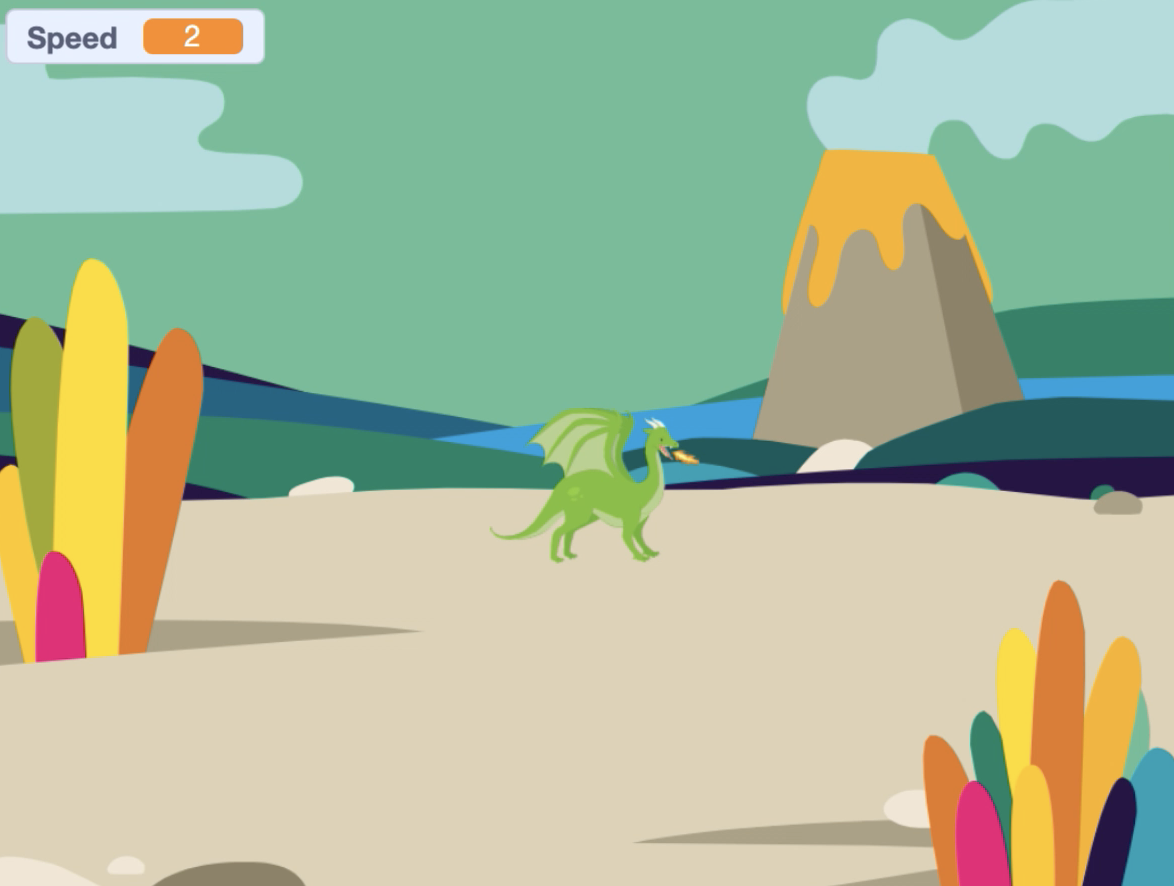
Step1. Delete cat sprite.

Step2. Add a stage background of the Jurassic Period.


Step3. Add "Dragon" sprite. When you select an animal from a category, you can find it


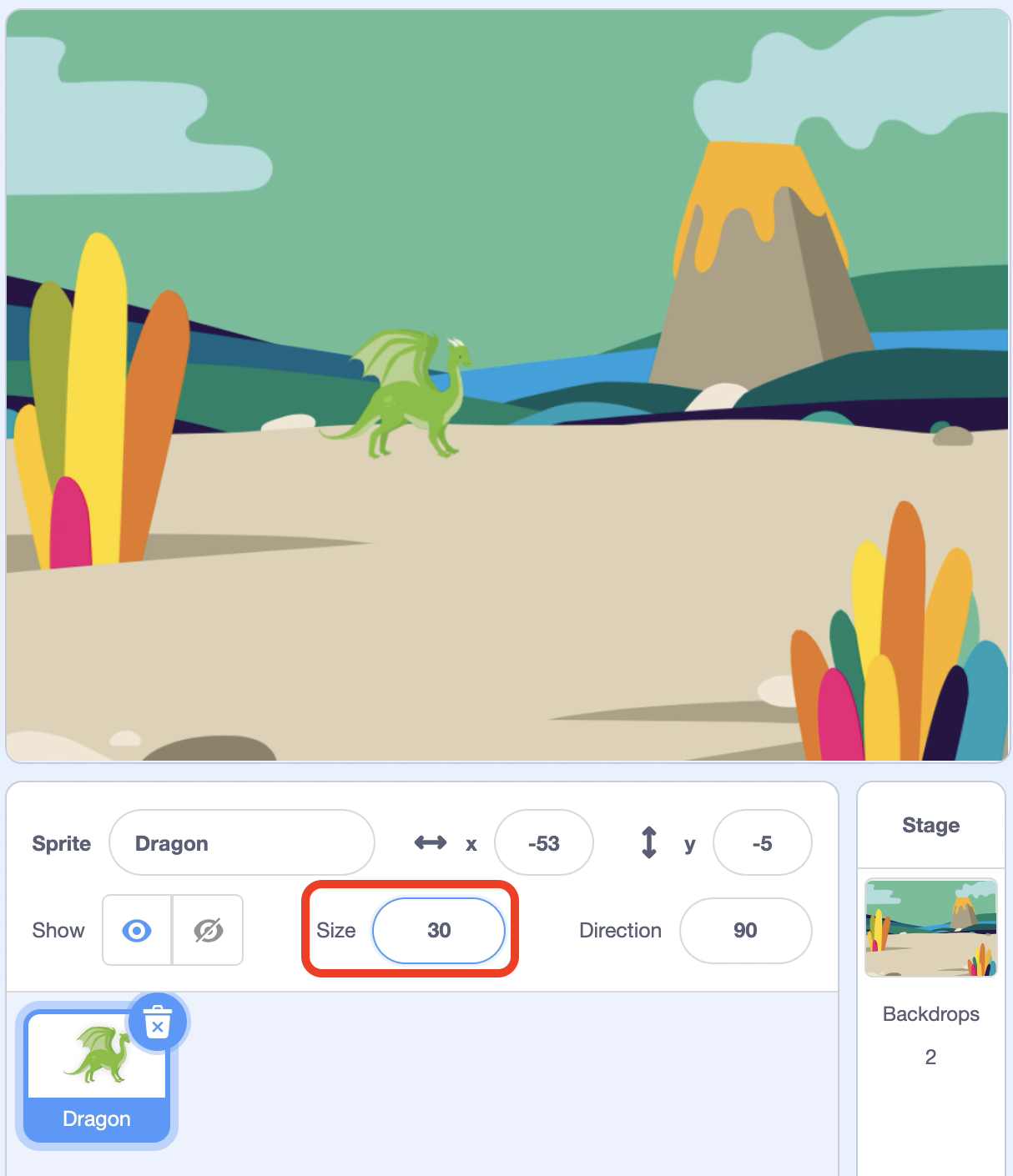
Step4. Reduce the size of Dragon to 30.
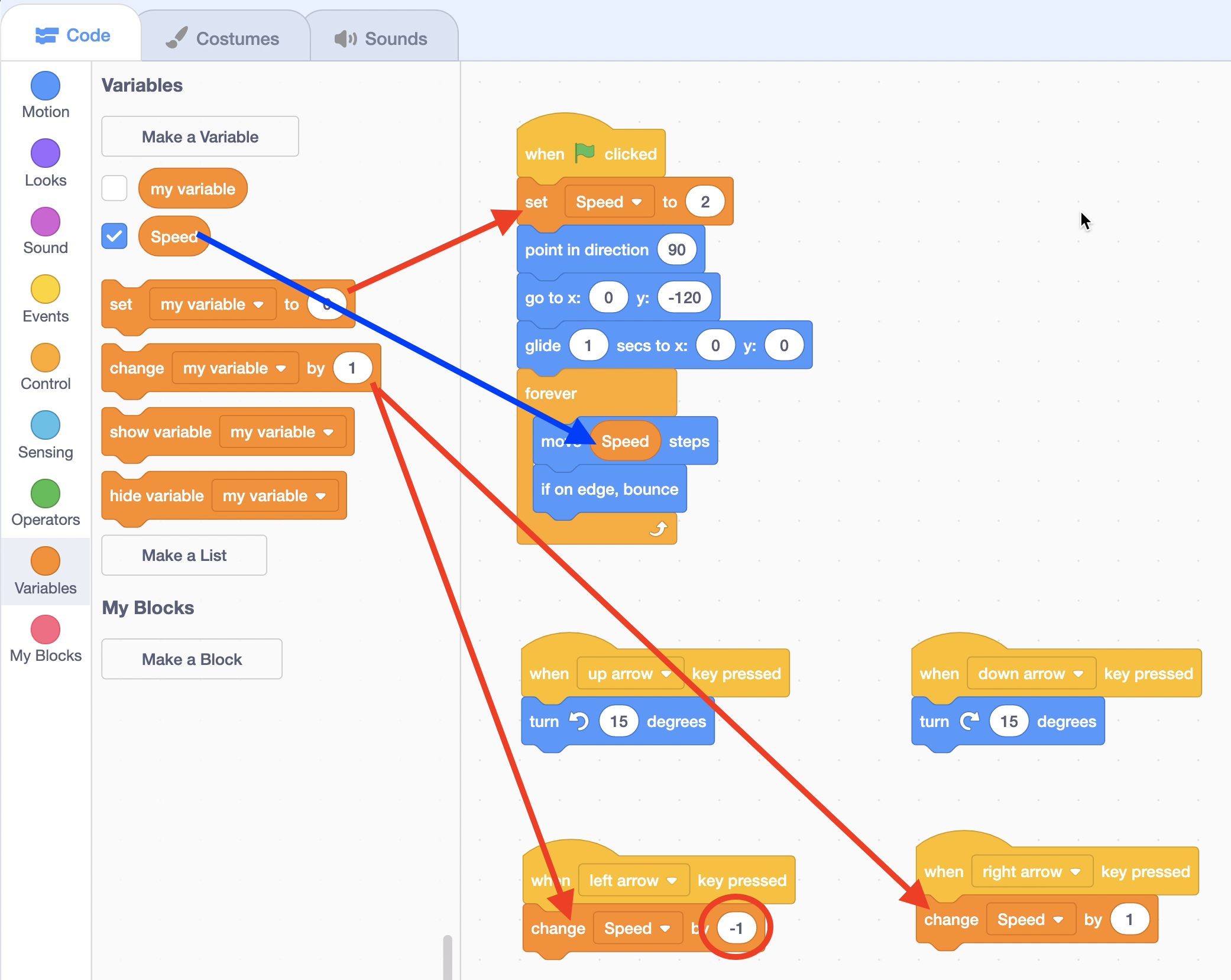
Step5. Click on the green flag to go to x:0, y:-120

Step6. Dragon flies above the sky (x:0, y:0) for 1 second.

Step7. Dragon is repeated indefinitely and moves by 2 and bounces when it hits the wall.

Step8. Press the up/down arrow on the keyboard to rotate up/down 15 degrees.

Ask1 - What is the current speed at which Dragon flies in the sky?
Ask2 - How do I adjust the speed of a Dragon?
Step9. Creating a "Speed" Variable


Step10. Set the first "Speed" value to 2 and replace it with the left/right arrow on the keyboard.Step10. Set the first "Speed" value to 2 and press the left/right arrow keys on the keyboard to work.
Step11. Make Dragon flap every half second.

Step12. Click on the green flag and move Dragon to the keyboard direction key.

'English' 카테고리의 다른 글
| 7. RC Car (70) | 2020.03.03 |
|---|---|
| 6. Character animation (41) | 2020.03.02 |
| 4. Let's Dance! (44) | 2020.03.01 |
| 3. The three cats (51) | 2020.02.13 |
| 2. Move cat sprite (Advance) (136) | 2020.02.07 |